
To-Dos
To-dos are simple, fast lists. Open ToDo from the navigation bar to see your lists.
Lists
Create a list with New List. Required: name and status. Optional: a due date, and a favorite flag that pins the list to the top. A list's status (not started, in progress, complete, …) is yours to manage — nothing changes it automatically.
Deleting a list deletes the items on it, permanently.
Items
Open a list to manage its items:
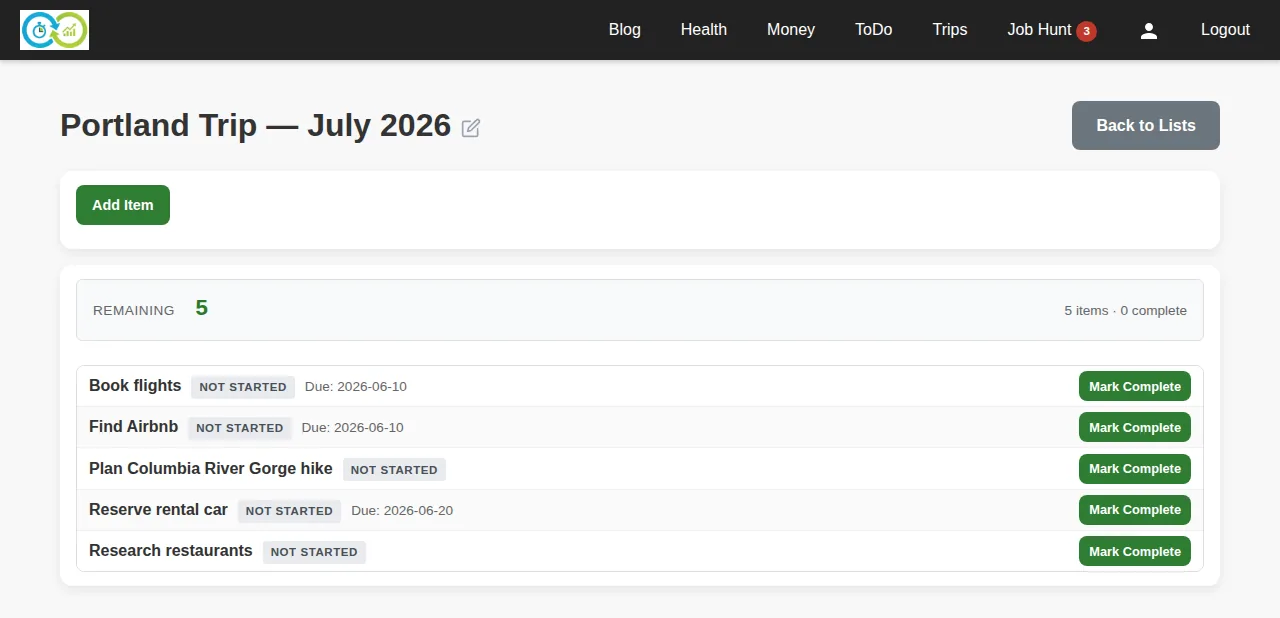
Required: the item's name. Optional: status, due date, a link, and a description. Items with due dates show them inline; overdue items stand out.
Everything on this page saves as you go — add with Add Item, tick items complete with Mark Complete, expand an item to edit or delete it, and use Clear completed to sweep finished items off the list.